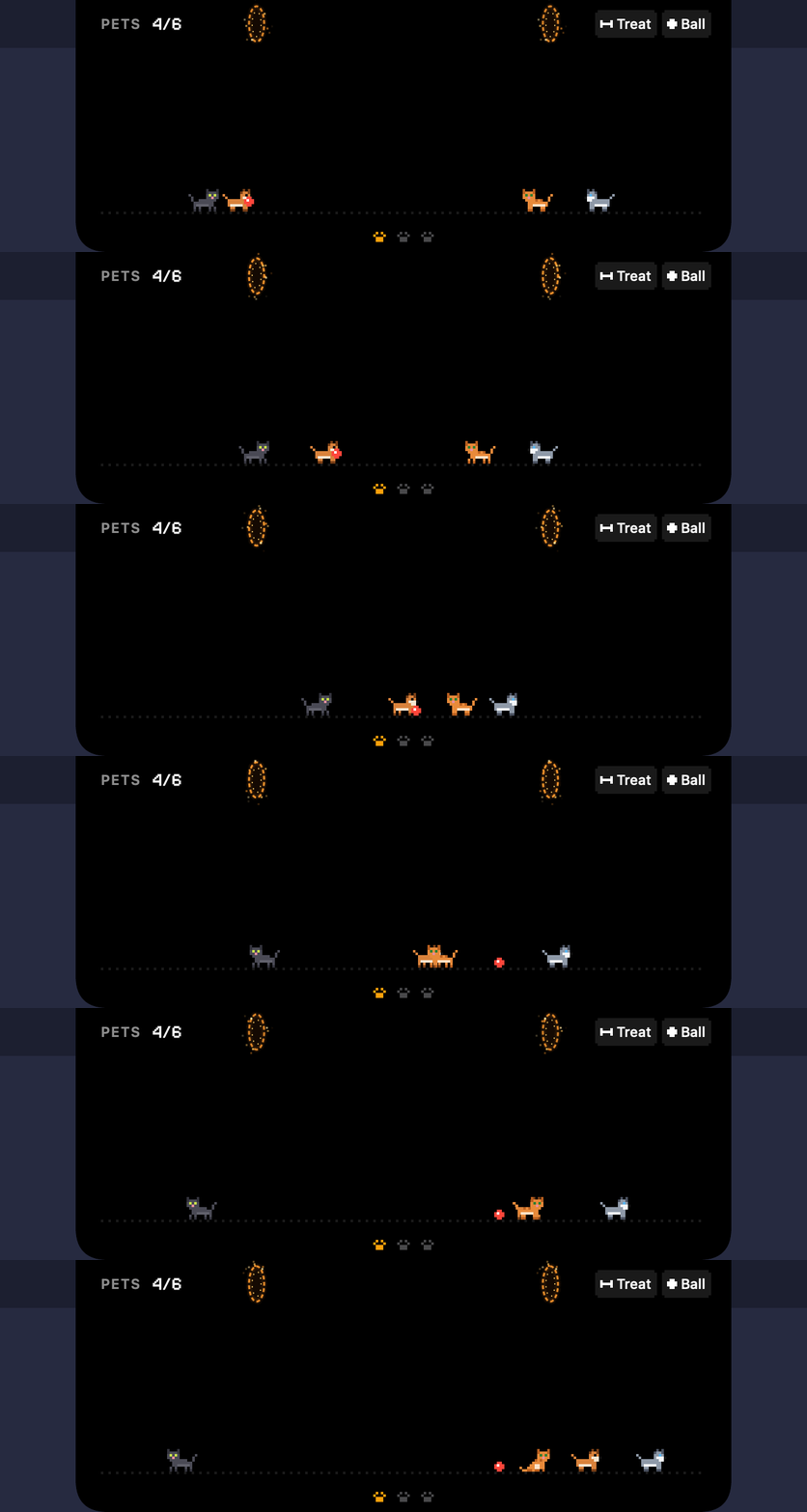
Pets and portals
Up to six dogs and cats, each with a name. They wander, sit, yawn, groom and nap at night, meet each other (a sniff, a chase, a slap and a dash through the portal) and come when you throw a ball. Press and hold to pick one up.
 Gukmeong
A tiny home for pixel pets
Gukmeong turns the MacBook notch into a little neighbourhood. Pixel dogs and cats stroll beside the camera, hop through two glowing portals, nod along to your music and keep an eye on your battery. Pat them and hearts drift down your screen.
Gukmeong, say gook-meh-ong: a dog's guk and a cat's meong, the way you'd hear them in Indonesia.
The same sprites and numbers as the app, redrawn in your browser. Click a pet to pat it, or pick a state.

Up to six dogs and cats, each with a name. They wander, sit, yawn, groom and nap at night, meet each other (a sniff, a chase, a slap and a dash through the portal) and come when you throw a ball. Press and hold to pick one up.

Album art and a pixel sound wave while a song plays; point at the camera for the track, progress and play, pause and skip, plus synced lyrics if you want them. Works with the players you already use.
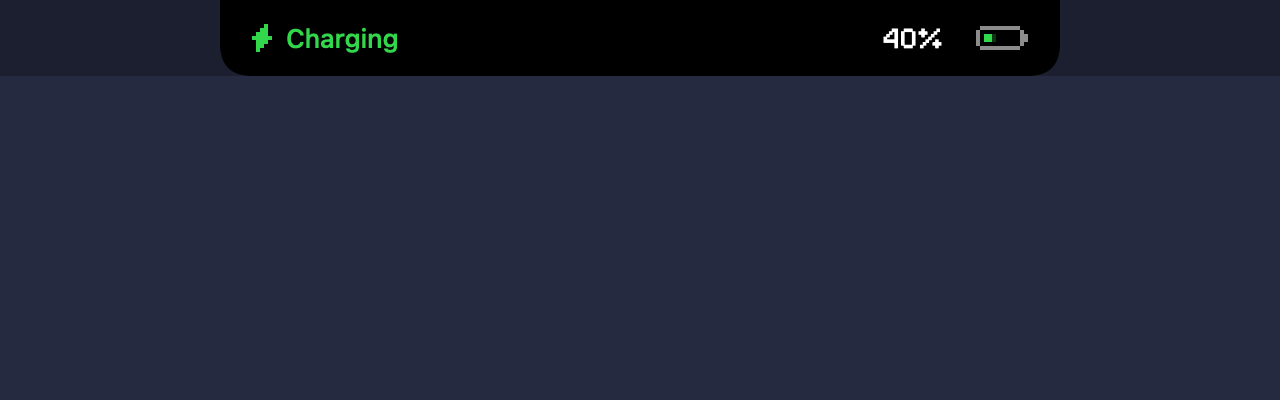
Plug in and a little pixel plug slides into the battery: level, charging or on hold, and time until full or left.
One drawing clock for everything that moves: 30 frames a second while the pets are up, 15 in Low Power Mode or on a low battery, 4 when they all sleep, and nothing while the notch is hidden.
No accounts, no analytics, no tracking. The only network request is one you can turn on: synced lyrics for the playing song, from the open LRCLIB service.
MIT licensed, built with Swift and no third-party packages. Read the code, build it yourself, or send a fix on GitLab.
Open Gukmeong.dmg and drag Gukmeong into Applications.
Gukmeong isn't notarized by Apple yet (that needs a paid developer account), so macOS blocks the first launch. Right-click Gukmeong in Applications and choose Open, then Open again. Or open it once, then go to System Settings → Privacy & Security and click Open Anyway.
Prefer Terminal? This removes the download flag instead:
xattr -dr com.apple.quarantine /Applications/Gukmeong.app
A paw appears in the menu bar: add pets, rename them, open Settings or quit from there. Point at the camera to open the notch.
The whole app is open source, so you (or someone you trust) can read every line and build it yourself. It collects nothing and makes no network requests unless you turn on lyrics (then it asks LRCLIB for the song you're playing). macOS warns about it only because it isn't notarized, which costs a yearly Apple fee; the warning isn't about anything the app does.
Since macOS 15.4 apps can't read what's playing through public APIs. Gukmeong uses an open-source helper (mediaremote-adapter) that relies on a private Apple framework, which the App Store doesn't allow. Everything else uses public APIs only, and if a future macOS breaks the helper, Gukmeong falls back to asking Spotify and Music directly.
On a screen without a notch, Gukmeong shows a small floating pill at the top centre instead, and the pets live beside that. It's made for notched MacBooks, though, where the portals hide the camera.
Only if you want: turn on Settings → Sounds and a patted dog says "guk", a cat "meong". The voices are tiny chiptunes the app synthesises itself; there are no recordings.
Quit it from the paw menu (turn off Launch at login first if you enabled it) and delete Gukmeong from Applications. Its settings and last played track can go too:
defaults delete com.zaidanzulhakim.gukmeong; rm -rf ~/Library/Application\ Support/com.zaidanzulhakim.gukmeong